
講到 Windows 8 和 Windows 7 視窗特效的差別,仔細看一下上圖,再比較一下手上的 Windows 8。是的,Aero 的透明視窗預設在 Windows 8 是沒有的。
至於開啟的方法,最簡單的,就是用 WinaeroGlass。多簡單?
1.下載
2.解壓縮
3.執行 (什麼事都不會發生,但是你的工作視窗已經變透明了喔!)
以上,享受你的透明工作視窗吧!
p.s 解除特效的方法:在工作管理員中將 winaeroglass.exe 結束掉就可以了。


UIFILE -> EXPLORER_RIBBON -> 10331033 是語言檔,不同語言的作業系統偶爾會有不一樣的代碼。


 |
| Source |


The Installation Failed.
An Unknown installation error occurred.The Installer encountered an error that caused theinstallation to fail. Contact the software manufacturerfor assistance.
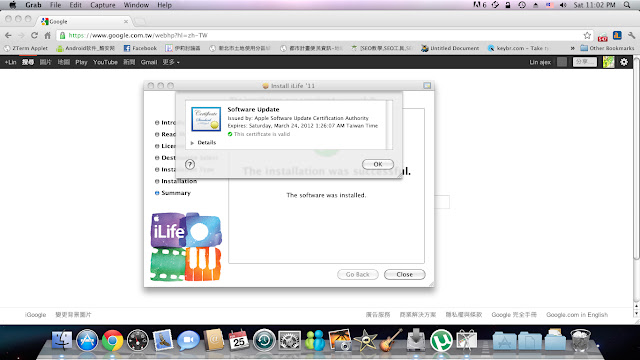

"In order to open iPhoto, you need to update to the latest version."看起來好像是只要執行軟體更新就可以了。但事實上,在軟體更新裡頭卻沒有 iPhoto 的更新。解決的方法,就是餵給 iPhoto 正確的更新版本,讓它可以在 10.6.8 上執行。而這個更新,不好意思,要自己上 APPLE 網站上下載 iPhoto 9.1 。而 9.3 是給 Lion 用的, 我們就不必下載了。


